
Scripts
Scripts are an incredibly powerful tool, that will allow to customise the beaviour of the entities on your screen, and can be shared across your entire application. Each Script you register has to be a class extending BaseScript from mage-engine.
Let's write a sample script that will make our cube rotate. Create a new file, rotate.js in your root folder;
### rotate.js
import { BaseScript } from 'mage-engine';

export default class Rotation extends BaseScript {

    constructor() {
        super('rotation');
    }

    start(mesh) {
        this.mesh = mesh;
        this.angle = 0;
    }

    update(dt) {
        this.angle += 0.1 * dt;

        this.mesh.setRotation({
            y: this.angle
        });
    }
}
Explanation:
super('rotation'): This is required for the Script to work. NOTE: this API will change soon and this line will no longer be needed.start(mesh): this method will be called as soon as you attach a script to your mesh and its first argument will be the target entity. Here we are settingthis.mesh = meshso we can use it later, and we're setting an initial angle,this.angle = 0.update(dt): this function will be called for each frame of your scene, and it will receive the currentdt. Here we update the angle by incrementing it by0.01, and we call thesetRotationmethod on the mesh.
TIP
Why multiplying the angle by dt ? dt represents the delta since the last frame. In order to achieve frame-rate indipendence and smooth animations, we need to multiply the angle by dt.
:::
TIP
Scripts have more functionalities that are not covered in this short tutorial. Please head over the corresponding API section for further details Scripts.
:::
Registering the script
Now, we just defined a script, but we still need to attach it to the entity we defined earlier. In order to do so, we have to compelete two steps:
- We need to register the Script with the engine, so that it can be used and shared.
- We need to attach our cube to the script.
To complete the first step, you need to import Scripts from 'mage-engine' and use it properly, so head back to the Scene.js file, which should now have the following extra lines:
rotation.js
import { Scripts } from 'mage-engine';

import RotationScript from '../rotation';

class FirstScene extends Level {

    onCreate() {
        // this should already contain the cube creation and the camera position update.
        Scripts.register('rotation', RotationScript);
    }
}

export default FirstScene;
What happened here?
- We imported
Scriptsfrommage-engine. This module is responsible for creating and retrieving scripts. - We imported
RotationScriptfrom the file we registerd earlier. This is needed because we need to send this to the function described in the next step. Scripts.register(name, ScriptClass): this is the actual registration of the Script. From now on, we can refer to this script using the name we just defined,'rotation'.
We still need to do something, which is telling the cube how to use it. Luckily for us, this is incredibly straightforward:
import { Scripts } from 'mage-engine';

import RotationScript from '../rotation';

class FirstScene extends Level {

    onCreate() {
        // this should already contain the cube creation and the camera position update.
        Scripts.register('rotation', RotationScript);

        cube.addScript('rotation');
    }
}

export default FirstScene;cube.addScript('rotation')is everything you need to attach the mesh to the script. Remember, you must calladdScriptafter the script has been registered to theScriptsmodule.
If you now run the application, you should see something like this:
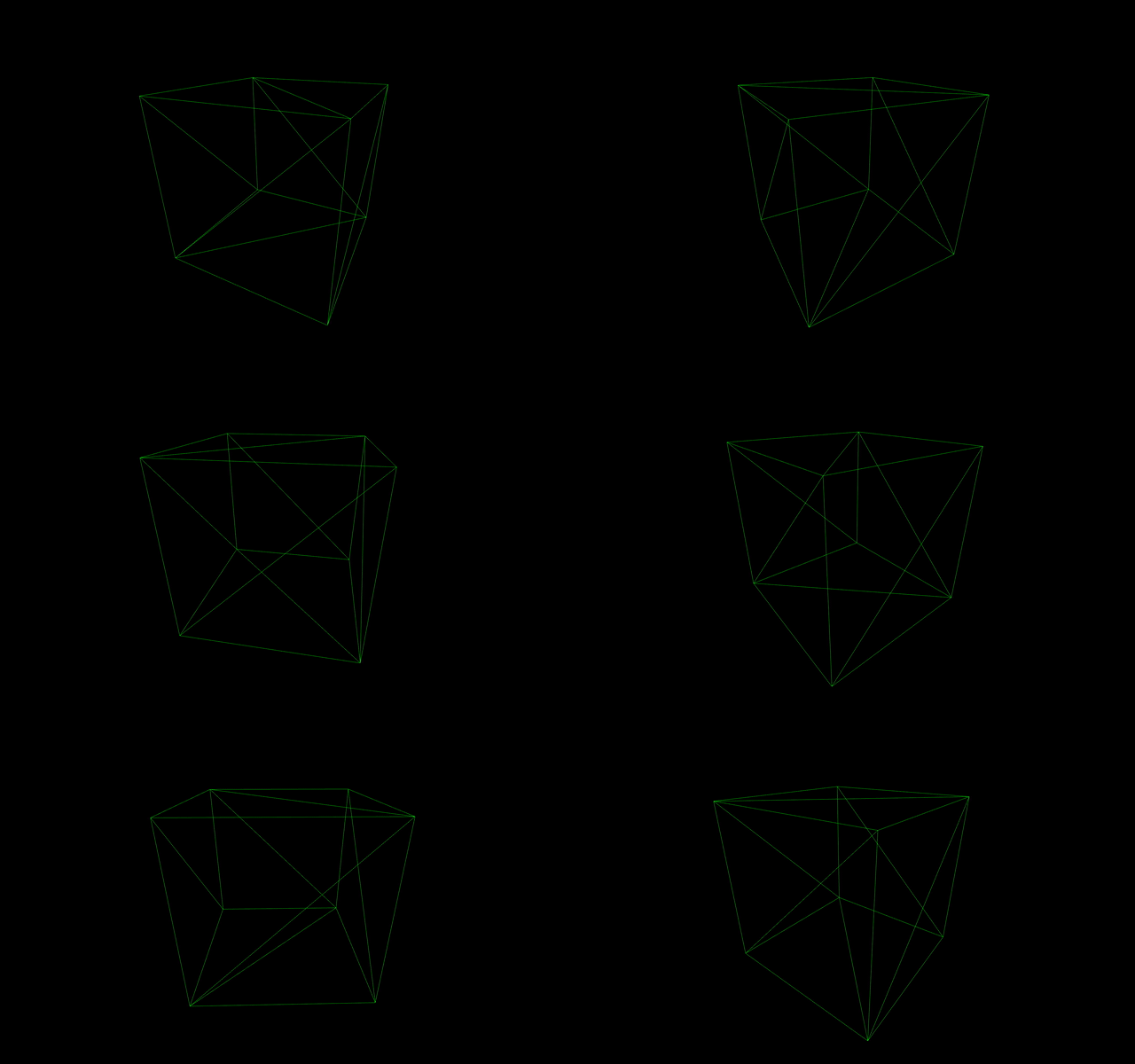
Cool! We now have a rotating cube. But what if we wanted to rotate the cube based on user Input?