
Lights and Skybox
So far, we haven't created anything particularly exciting. In this guide, we're going to add lights to the scene, a floor, and a bunch of friends to our lonely crate.
Let there be light!
First of all, let's add a nice AmbientLight. The steps are very simple:
import {
    // all the imports we had before
    AmbientLight,
    PALETTES,
    constants
} from 'mage-engine';

const { MATERIALS } = constants;

class FirstLevel extends Level {

    letThereBeLight() {
        const ambientLight = new AmbientLight({
            color: PALETTES.BASE.WHITE,
            intensity: .5
        })
    }

    onCreate() {
        // the same code we had before
        // updating cube material to STANDARD
        cube.setMaterialFromName(MATERIALS.STANDARD)
        this.letThereBeLight();
    }
}

export default FirstLevel;
A number of things have happened here:
- We imported
AmbientLightfrommage-engine. When initialised, it will be automatically added to the scene. For this light, we passed some options:color: this will be defaulted toWHITEif missing.intensity: this will be defaulted to1if missing. We chose an intensity of.5.
TIP
Mage engine provides a set of palettes ready to use. The one we used here is the base one.
- We also changed the cube material. This is needed because by default elements in the scene are using
BASICmaterial, which is not affected by lights.
TIP
For more details on elements API, refer to this page here;
:::
TIP
For more details around materials, visit this page.
:::
Once everything is done and dusted, you should be able to see something like this:
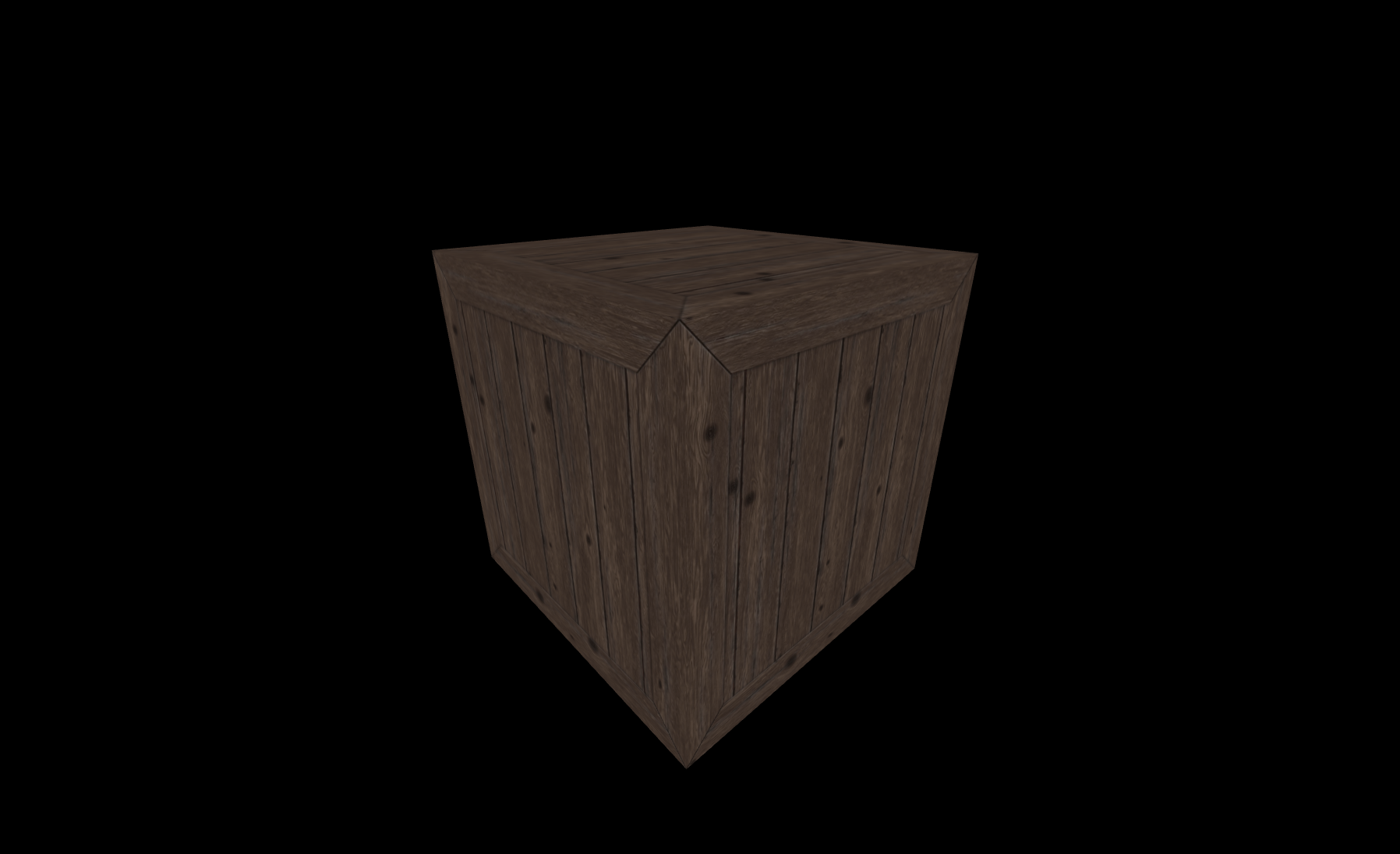
a bit too dark, don't you think?
Lights and shadows
Before we start adding shadows, we're going to change textures and we're going to add a floor. Download the following textures:
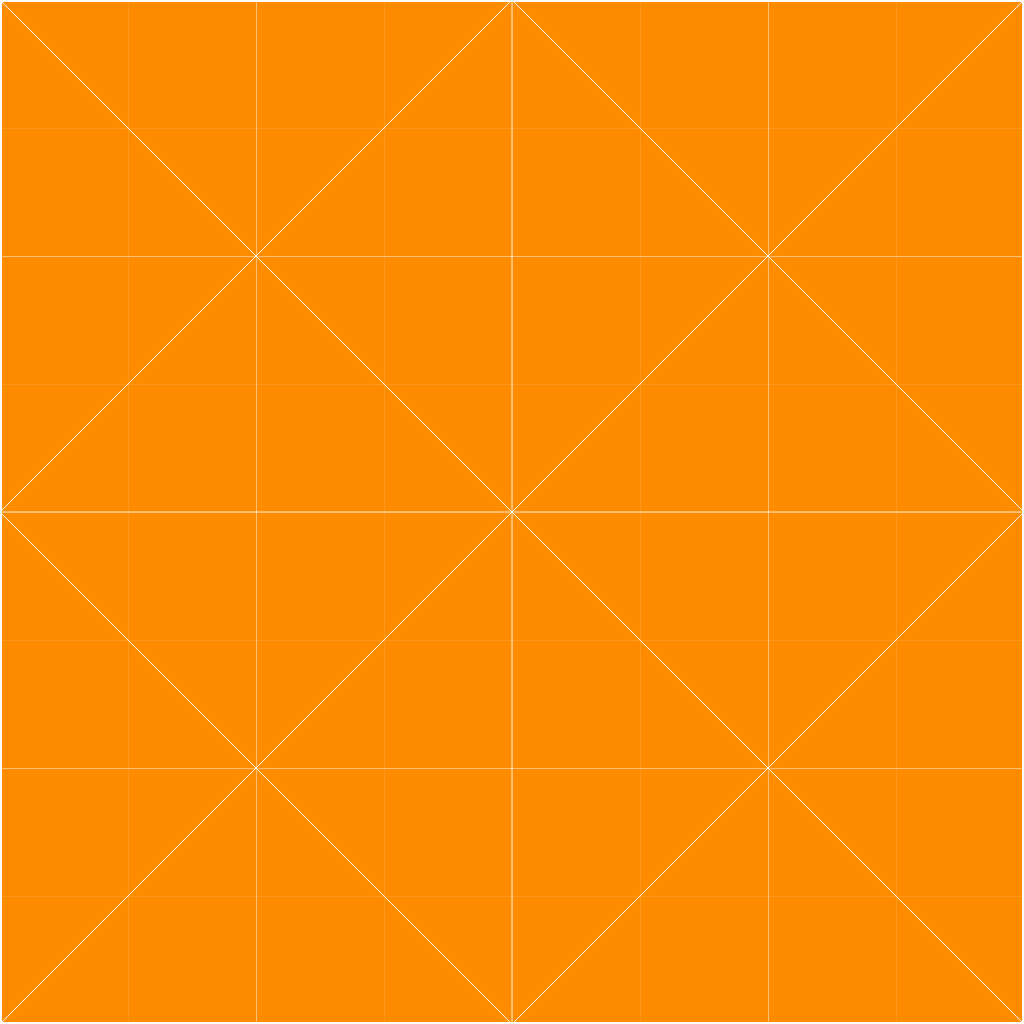
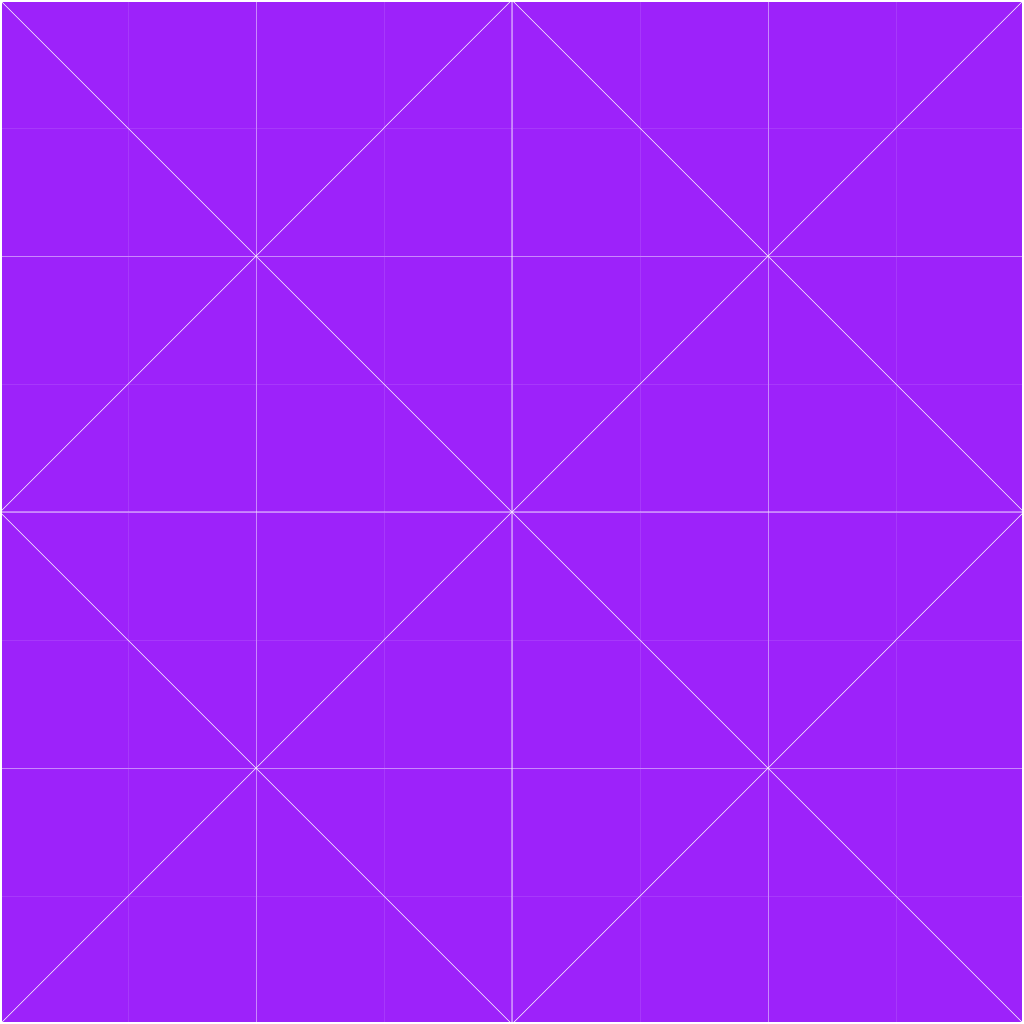
Now, update the assets config to look like this:
const assets = {
    textures: {
        crate: 'path/to/the/previous/crate.png',
        orange: 'path/to/orange.png',
        purple: 'path/to/purple.png'
    }
}
TIP
Why are we updating textures, you may ask? No particular reason, just felt like it looked better.
:::
Let's create a floor now, and update the cube texture.
import {
    // previous imports
    Box
} from 'mage-engine';

// inside your level class
createFloor() {
    const floor = new Box(200, 1, 200);
    floor.setTextureMap('orange', {
        repeat: { x: 10, y: 10 }
    });
    floor.setMaterialFromName(MATERIALS.STANDARD);
}

onCreate() {
    // previous code
    cube.setTextureMap('purple');

    this.createFloor();
}
Let's now introduce a couple more lights to the scene, as well as updating the camera position a bit.
import {
    // previous imports
    Scene,
    SunLight
} from 'mage-engine'


// inside your level
letThereBeLight() {
     const ambientLight = new AmbientLight({
        color: PALETTES.BASE.WHITE,
        intensity: .5
    });

    const sunLight = new SunLight({
        color: PALETTES.FRENCH_PALETTE.FLAT_FLESH,
        intensity: 1,
        far: 20,
        mapSize: 2048
    });
    sunLight.setPosition({ y: 4, z: -3, x: -3 });
}

onCreate() {
    // previous code
    const camera = Scene.getCamera();
    camera.setPosition({ z: 15, y: 15 });
    camera.lookAt(cube.getPosition());
}
Once everything is in place, you should see something like this:
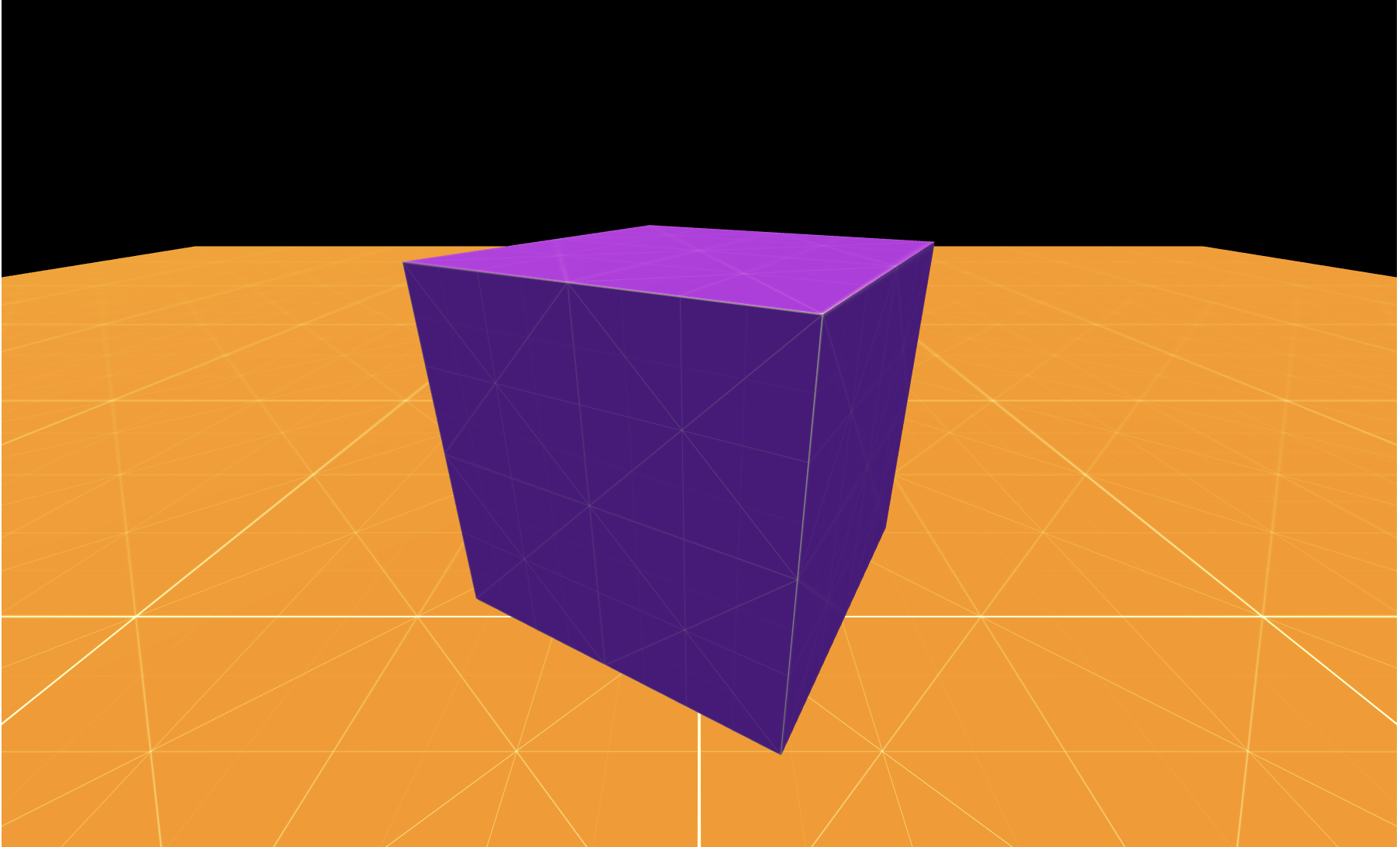
Where are the shadows? We are missing a crucial steps, enabling shadows. Go back to your configuration object (the empty object we passed to Router), and update it like so:
const config = {
    lights: {
        shadows: true,
    }
}- shadows are not enabled by default, and you need to set the flag to
truelike so.
TIP
More information about configuration can be found here
:::
Once shadows are enabled, the scene should look like this:
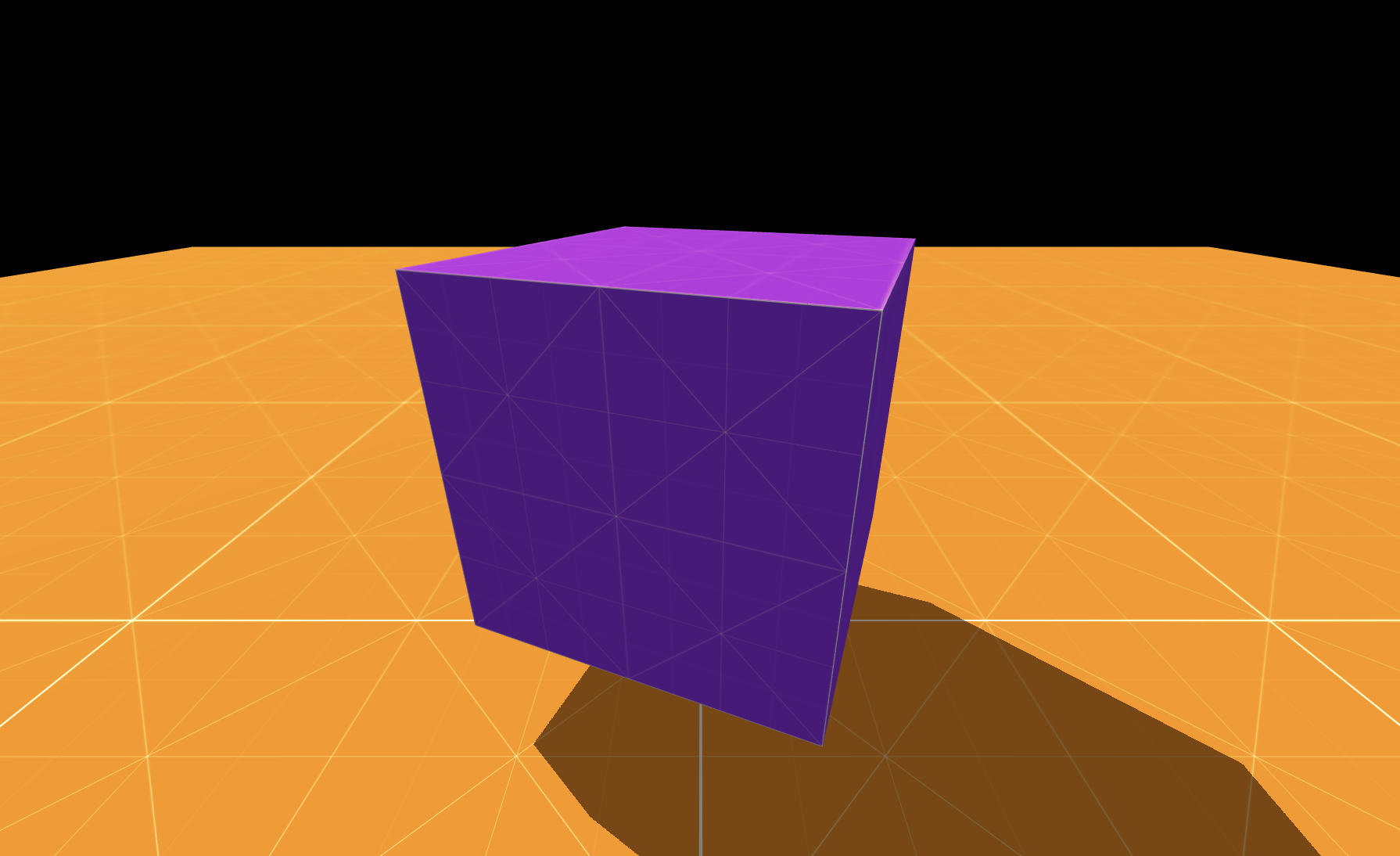
Things started to look a bit nicer! What about adding the last touch? A skybox maybe?
Let's add a new method to define the sky, and let's invoke in our onCreate lifecycle method.
import {
    // previous imports
    Sky
} from 'mage-engine';

// inside the level class
createSky() {
    const sky = new Sky();
    const inclination = .1;
    const azimuth = .1;
    const distance = 100;

    sky.setSun(
        inclination,
        azimuth,
        distance
    );
}

onCreate() {
    // what we had before
    this.createSky();
}Skyis one of the many effects available withinmage-engine. You can find out more about it in its dedicated page here;
Here is the final look of what we achieved so far: 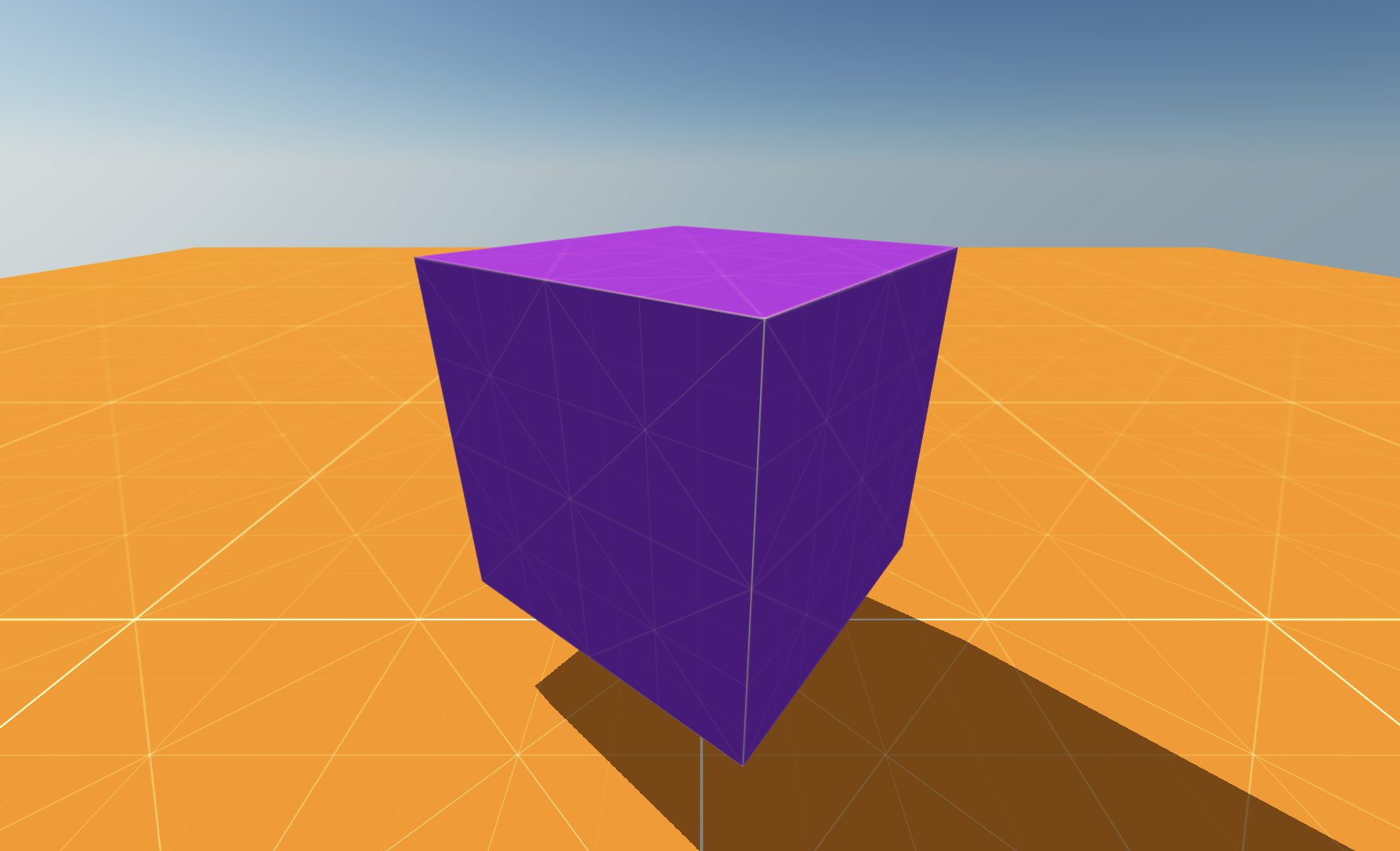
What's next?
Now that we have a somewhat decently looking scene, how about we complicate things by introducing physics to the mix?