
Camera
Accessing the camera and controlling its behaviour is really easy. The Camera is accessibile through the Scene module from mage-engine.
First, import Scene:
js
import { Scene } from 'mage-engine';Now you can access the camera whenever you want inside your level, so let's try to change its position to something a bit more convenient.
js
...
onCreate() {
    const size = 10;
    const color = 0x00ff00;
    const cube = new Cube(size, color);

    cube.setWireframe(true);
    cube.setPosition({ x: 0, y: 0, z: 0});

    const camera = Scene.getCamera();

    camera.setPosition({ z: 15, y: 7 });
    camera.lookAt({ x: 0, y: 0, z: 0 });
}Scene.getCamera()will return the Camera object for this scene, you can now use it to change its position or its direction.camera.setPositionallows you to change its position. In this example, we're using{ y: 7, z: 15 }. You don't need to specity each coordinate, Mage will default the missing value to the current value of the Camera.camera.lookAtwill set the target of the Camera. In this case, we're explicitly telling the camera to look at the origin{x: 0, y: 0, z:0 }. If we wanted to make the camera look at the cube, we coould have done something like this:
js
camera.lookAt(cube.getPosition());TIP
For more in depth explanation of the Camera object, please refer to the API section. Camera
If everything went smoothly, you should have something like this: 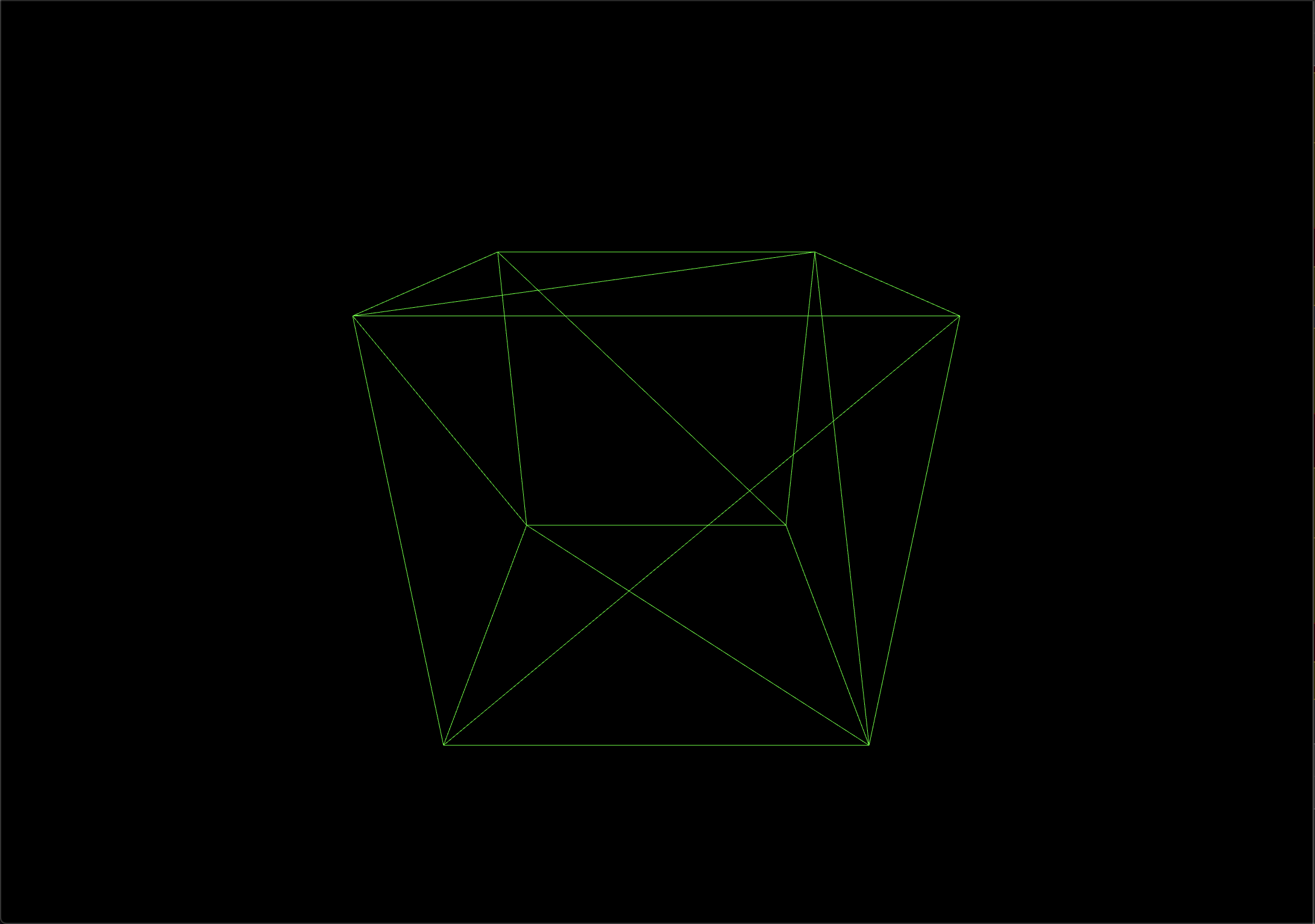
Let's be honest, a wireframe cube in the middle of the screen is not exactly the most exciting thing ever, right? How about we take it for a spin with a Script?