
Hello Cube
Adding a cube to the scene is incredibly straightforward. What you need to do is import it from mage-engine and create a new instance of it. Our newly created FirstLevel will look like this:
import { Level, Cube } from 'mage-engine';

class FirstLevel extends Level {

    onCreate() {
        const size = 10;
        const color = 0x00ff00;
        const cube = new Cube(size, color);

        cube.setWireframe(true);
        cube.setPosition({ x: 0, y: 0, z: 0});
    }
}

export default FirstLevel;
A bit of style first
Before we add anything to our new scene, we should add some style.
    canvas {
        position: absolute;
        margin: 0;
        padding: 0;
        top: 0;
        left: 0;
        height: 100%;
        width: 100%;
    }
You can inject this style in our index.html for now.
Run the application
WARNING
We're going to assume you know how to bundle your application. Bundling the app should produce some distributable files (mainly a app.js and one app.css). If you're not sure how to achieve this, have a look at the Bundling page.
For now, the best way to launch the application is to use a python module called SimpleHTTPServer. When invoked, it will launch a simple HTTP server (hence the module name) in your root folder.
python -m SimpleHTTPServerIf you now navigate to http://localhost:8000/, you should see something like this:
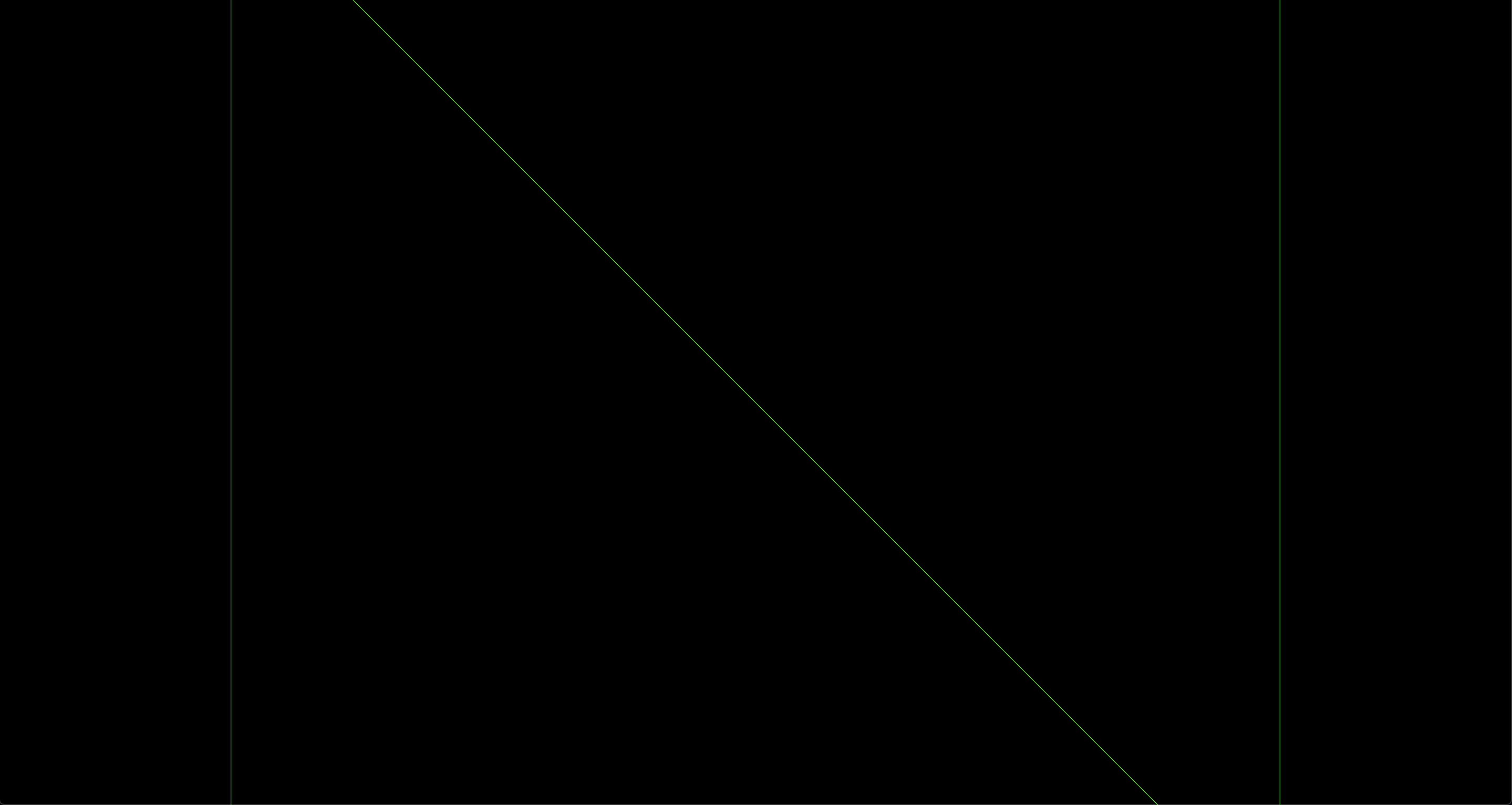
A bit disappointing, right? We can do something to improve it by moving the Camera a bit.